
HD vs. SD: Choosing the Right Quality for Your X (Twitter) Video Downloads
Wondering whether to download X (Twitter) videos in HD or SD? Learn the key differences, when to use each format, and how to optimize your storage and viewing experience.
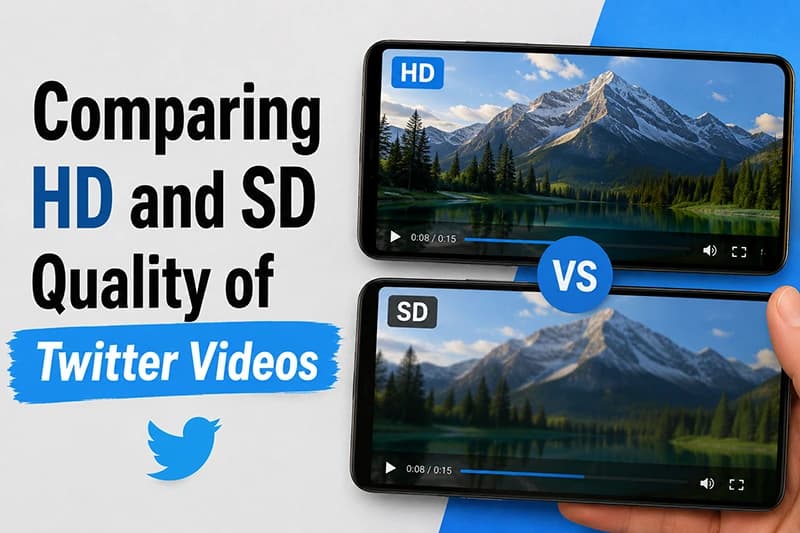
Picture this: you’re scrolling through your X (Twitter) feed, and you come across a video that’s just too good to pass up. Maybe it’s a hilarious clip, a heartwarming moment, or a tutorial that demands to be saved. But then comes the dilemma: should you download it in HD or SD?
Honestly, it can be a bit confusing, especially when you just want to enjoy the video on your device without any hassle. You want to ensure you get the best viewing experience possible without wasting precious storage space.
That’s where X-Twitter-Downloader comes in handy. Our free tool lets you quickly download videos from X in either HD (High Definition) or SD (Standard Definition) quality, making it easy to choose the right format for your needs.
Let’s break down the core differences between these two video qualities so you can make an informed decision the next time you save a video.
Understanding HD vs. SD Quality
When you see options for HD and SD, the differences range from crystal clear to quite subtle depending on your device.
- HD (High Definition): HD videos typically have a resolution of 720p or higher (like 1080p). This results in a sharper, crisper, and more detailed image.
- SD (Standard Definition): SD videos usually come in at 480p or lower. While the quality is decent for general viewing, it lacks the sharpness expected in today’s high-resolution standards.
In my experience, if you plan to watch a saved video on a large screen or share it across other social platforms, HD is definitely the way to go. However, if you’re just looking to save a quick meme to your phone and want to conserve storage, SD will do the trick perfectly.
When to Choose HD (High Definition)
Choosing HD is the best option if clear visuals are your top priority. Here are a few scenarios where HD is your best bet:
- Large Screens: If you plan to cast the video to a TV, watch it on a tablet, or view it on a desktop monitor, HD quality makes a massive difference.
- Visual Details Matter: For content where fine details are critical—like art showcases, gaming clips, or coding tutorials—HD is an absolute must.
- Sharing and Reposting: If you intend to share the video with friends on WhatsApp or repost it on platforms like Instagram or YouTube, HD ensures the video doesn't look pixelated.
[!NOTE] Keep in mind that not all videos are uploaded to X in HD. If the original creator uploaded a low-quality clip, downloading it in "HD" won't magically improve its original resolution.
When to Stick with SD (Standard Definition)
While HD is often the go-to choice, there are plenty of times when SD is completely adequate. Here is when you should stick with SD:
- Storage Concerns: If your phone or computer is running low on space, SD files are significantly smaller and won't clog up your camera roll.
- Quick Clips & Memes: For short, funny videos or memes where high detail isn't necessary, SD quality is perfectly fine.
- Slow Internet Connections: If your internet isn’t cooperating or you're on a limited cellular data plan, downloading in SD saves you time and bandwidth.
A Common Gotcha: Video Length and Playback
One thing many people overlook is the impact of video file size on playback performance. Shorter videos look great and load instantly in both HD and SD. However, for longer HD videos, the massive file size can sometimes cause lag or buffering issues on older devices.
If you’re downloading a lengthy podcast clip or interview and just care about the audio and basic visuals, opting for SD ensures smoother playback and faster sharing.
How to Test What Works Best for You
When using X-Twitter-Downloader, you can easily test which quality works best for your needs without any hassle. Just paste the tweet URL, and our system automatically fetches all available resolutions. You’ll have the option to download in both HD and SD with a single click. It’s super straightforward and takes the guesswork out of the process!
Frequently Asked Questions
1. What’s the main difference between HD and SD videos?
HD (High Definition) videos have a higher resolution, offering sharper and clearer images. SD (Standard Definition) videos have a lower resolution and smaller file sizes, making them less detailed but much quicker to download.
2. How do I download a video from X?
Copy the post URL, paste it into X-Twitter-Downloader, and compare the quality options returned for that public post. The available formats and resolutions depend on the source media and the external parsing service.